
Acer Aspire 5 A515-47/A515-57 series laptop user's manual covering care, keyboard, Windows, touchpad, recovery, Bluetooth, networking, security, and battery.
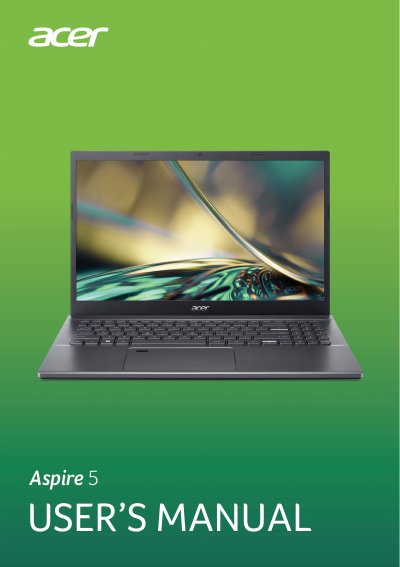
This is the user's manual for the Acer Aspire 5 notebook, covering models A515-47, A515-57, A515-57G, A515-57GT, and A515-57T. It begins with basic care, safe battery use, and a tour of the notebook's screen, keyboard, and ports.
The guide then explains keyboard and Precision Touchpad use, recovery and backup, Bluetooth and network connections, Bluelight Shield, security settings, the fingerprint reader, BIOS utility, power management, battery pack handling, travel tips, USB/Thunderbolt/HDMI connections, and troubleshooting.
| Battery type | Lithium-based |
|---|---|
| Charging temperature range | 0 °C to 35 °C |
| Recommended storage temperature | 0 °C to 35 °C |
| Recommended storage humidity | 45% to 80% |
| Maximum exposure temperature | 50 °C (122 °F) |
Press and hold the power button for up to ten seconds to shut down the computer.
It uses a Lithium-based battery.
No. A built-in battery must be replaced by an authorized service center.
Go to www.acer.com/register-product, sign in or sign up for an Acer ID, and enter your device's S/N or SNID.