
This user manual provides instructions for setting up, using, and maintaining the Acer Chromebook 511 models C734 and C734T.
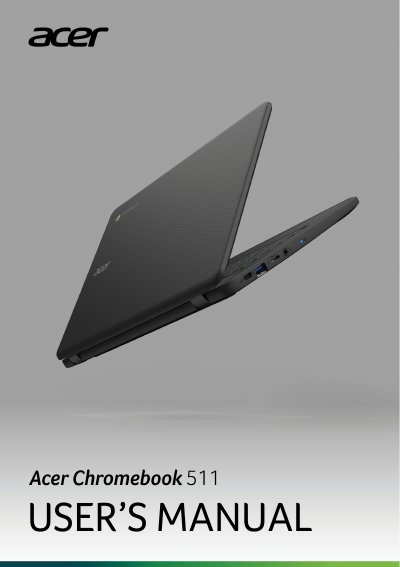
This manual covers the initial setup process for the Acer Chromebook 511, including turning on the device, selecting language settings, connecting to a network, and signing in to a Google Account. It also explains how to browse as a guest or enroll the device for enterprise use.
| Screen Size | 13.3 inches |
|---|---|
| USB Port Type | USB 3.2 Gen 1 |
| Power Adapter Requirement | 45 W at 5~20 V |
Chromebooks use apps from the Google Play Store and on the web, instead of traditional software applications.
Yes, Chromebooks work with Microsoft Word, Excel, and PowerPoint. You can download the apps from the Google Play Store or use them on the web.
All your files are stored in the Files app. Find the app by clicking the Launcher icon and searching "Files".