
User manual for the Acer Digital Camera 300 covering camera modes, photo management, software installation, cradle use, and troubleshooting.
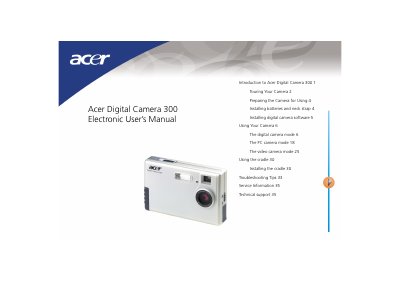
The Acer Digital Camera 300 is a digital camera with onboard 8MB memory, a 640 x 480 digital camera mode, a PC camera mode, and a video camera mode. It uses two AAA alkaline batteries and connects to a computer through a USB interface.
The manual explains touring the camera and preparing it for use, including battery and neck strap installation and software installation. It then covers taking and deleting photos, using the PC camera and video camera modes, using the cradle, and troubleshooting and service information.
| Digital camera mode resolution | 640 x 480 pixels |
|---|---|
| PC camera mode resolutions | 640 x 480, 352 x 288, 320 x 240, or 176 x 144 pixels |
| Color depth | 24-bit true color |
| Memory | 8MB onboard; stores up to 95 ~128 images in digital camera mode |
| Battery | Two AAA alkaline batteries |
| Interface | USB |
| Operation modes | 3 modes: digital camera, PC camera, video camera |
| Macro focus distance | 8 inch (0.2 m) |
It uses two AAA alkaline batteries.
It provides digital camera, PC camera, and video camera modes.
In digital camera mode it captures 640 x 480 pixels.
The onboard 8MB memory can store up to 95 ~128 images in digital camera mode.