
The Accusys 7500 RAID Controller User's Guide provides installation, configuration, indicator descriptions, troubleshooting steps, and specifications for…
The Accusys 7500 is an IDE‑based RAID 1 controller that mirrors data between two 3.5‑inch hard drives. It offers hot‑swap capability, automatic online rebuilding, and a key‑locked drive carrier for security.
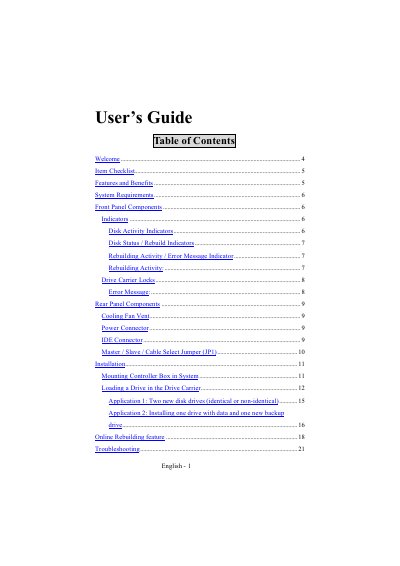
This guide covers the item checklist, system requirements, front and rear panel components, indicator functions, installation procedures, application examples, online rebuilding, and troubleshooting tips, plus contact information for Accusys support.
| RAID level | 1 (disk mirroring) |
|---|---|
| Drive bay size | Two 5¼" half‑height drive bays |
| Supported interface | Ultra ATA host interface (IDE) |
| Number of IDE drives | 2 |
| Hot‑swap capability | IDE drives are hot swappable |
| Battery backup | Memory for disk array status |
| Maximum IDE cable length | 46 cm (18 in) |
Unlock the drive carrier of the failed disk; this disables the alarm beep.
The IDE cable must not be longer than 46 cm (18 in).
Use the JP1 jumper: pins 2‑3 for Master, all pins free for Slave, pins 1‑2 for Cable Select.