
User manual for the NMS Mobile client that lets you view live video, playback recordings and control PTZ cameras on NVR‑5000 series devices.
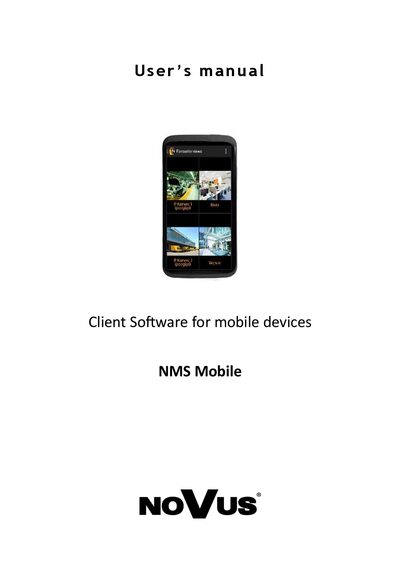
The NMS Mobile client software provides remote access to NVR‑5000 series servers from Android smartphones or tablets. It supports live preview, playback, PTZ control and customizable camera views.
The manual covers installation from the Play Store, network connection setup (Wi‑Fi or mobile data), adding DVR locations, view configuration, navigation icons, recording search, and basic and advanced PTZ functions.
| Default server port | 555 |
|---|---|
| Default username | root |
| Default password | pass |
| Supported mobile OS | Android |
| Zoom factor | x10 |
Open the Settings menu, enter the NMS server address, default port 555, username (root) and password (pass), then save the new server.