
Step‑by‑step instructions for assembling and installing the A4 Separated Cabinet Case.
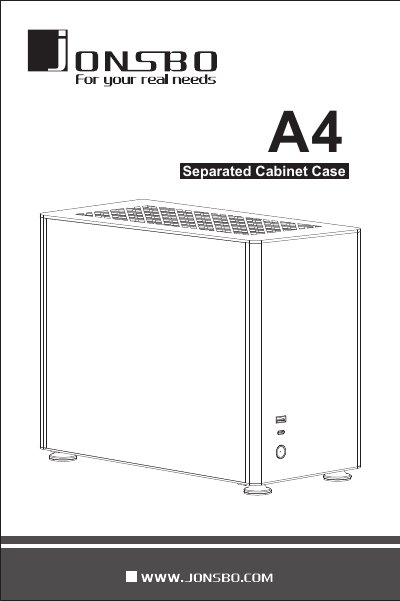
The guide details the dimensions, materials, and supported components of the A4 Separated Cabinet Case, including motherboard clearance, drive bays, cooling system, and I/O ports. It lists the required hardware such as tempered glass panels, aluminum plates, and optional fans.
Installation procedures cover removing the top plate, side plates, and dust filter, installing the PSU, SSD, radiator, and PCI cards, and re‑assembling the case. Each step includes visual cues and screw specifications to ensure a correct build.
| Case dimensions (W×H×D) | 169 mm × 273 mm × 340 mm |
|---|---|
| Maximum CPU cooler height | 71 mm |
| Maximum graphics card length | unspecified (max display card length) |
| Drive bays | 2×2.5 in + 1×3.5 in |
| Power supply support | SFX / SFX‑L |
| USB ports | 1 × USB 3.0, 1 × USB 3.1 GEN2 |
| Top plate material | 3 mm aluminum‑magnesium alloy |
| Side plate material | 3.00 mm tempered glass |
Press then push backward to take out the top plate.
The case includes one USB 3.0 port and one USB 3.1 GEN2 port.
It supports two 2.5‑inch bays and one 3.5‑inch bay.
The maximum CPU cooler height is 71 mm.