
User manual for the A1 single‑port VoIP gateway covering installation, configuration, and basic phone functions.
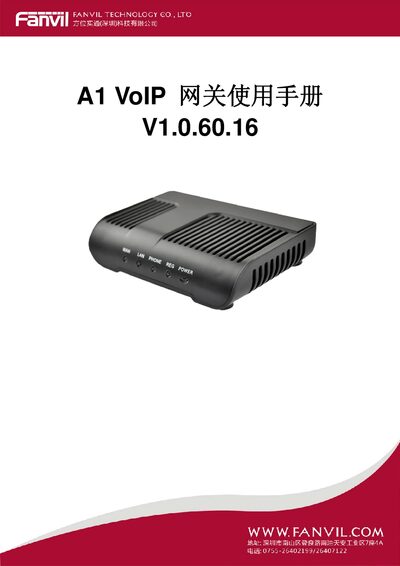
This manual introduces the A1 single‑port VoIP gateway, a SIP‑based device that provides one FXS analog voice interface and a PSTN escape (lifeline) port. It also includes a built‑in router with WAN and LAN ports for broadband access.
The guide covers safety precautions, hardware connections, web‑based configuration, voice features, network settings, maintenance, and troubleshooting, with detailed specifications and FAQ at the end. This manual is written in Chinese.
| Power adapter input / output | 100‑240 V input, 12 V 1 A output |
|---|---|
| WAN port | 10/100 Base‑T RJ‑45 |
| LAN port | 10/100 Base‑T RJ‑45 for PC |
| Phone (FXS) interface | RJ‑11 for standard telephone |
| Lifeline (escape) port | RJ‑11 for PSTN lifeline |
| Operating temperature | 0 °C – 40 °C |
| Main processor | MIPS32 (220 MIPS) |
| Supported voice codecs | G.711A/u, G.729, G.726‑32k, iLBC |
| SIP support | SIP 2.0 (RFC3261) with authentication |
Use an adapter that accepts 100‑240 V input and provides a 12 V 1 A output.
During a call, press the FLASH key, dial * followed by the destination number, then press # to complete the transfer.
Verify that the power cable is properly connected and that the power adapter matches the required specifications.