
LabCycler is a temperature cycling control system for PCR experiments, which can be used with 0.5ml, 0.2ml, 96-well microplates, and 384-well microplates.
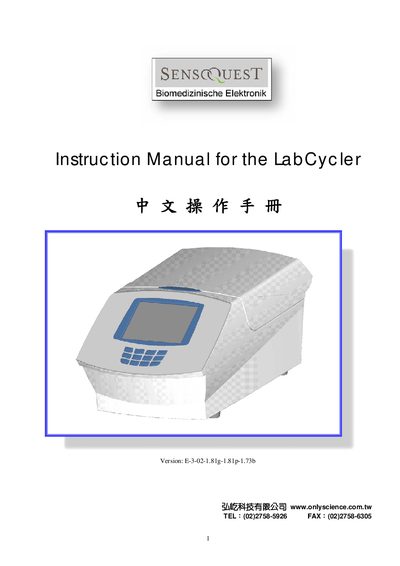
This manual describes the LabCycler’s user interface, including the menu bar, Settings & Diagnosis screen, and Block Monitor display. It explains how to configure temperature blocks, edit programs, and manage files.
Additional sections cover safety instructions, technical data such as power consumption and heating/cooling rates, and warranty information. The document also provides guidance on language selection and error handling.
Select the Settings & Diagnosis option from the menu bar.
The Block Monitor Date screen shows the ready lid‑temperature of the LabCycler.
Choose Language from the Settings menu; English is listed as "Language @ [2] Engish".
Use the Program Edit command under the Files menu to modify existing programs.