
This manual describes how to replace the front panel of a DVD/CD rewritable drive to match the shape and color of your computer.
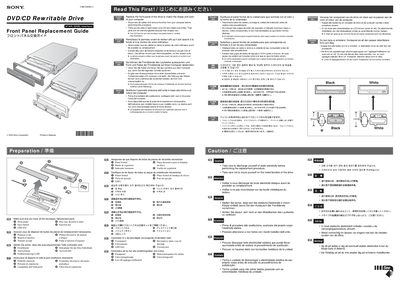
This service manual provides step‑by‑step procedures for removing and installing the front panel of a Sony DVD/CD rewritable drive, including handling of the black and white panel variants and the associated LED lenses. It also covers safety precautions such as static discharge and handling of metal edges.
Additional sections describe how to use the emergency ejection pin to open the disc tray, how to remove the decorative plate, and how to close the tray after service. The guide is presented in multiple languages but the core instructions are in English.
| Interface | ATAPI (EIDE) |
|---|
Insert the ejection pin into the emergency eject hole; the disc tray will open.
Discharge any static electricity from your body before handling the drive.