
The W251U Notebook computer is a feature-rich notebook computer with easy installation and use. It comes with a powerful battery and AC power source for long battery life and reliable power supply. The notebook computer also features an adjustable screen angle and easy-to-use power button. Additionally, it provides a convenient driver CD for installation and use of built-in devices.
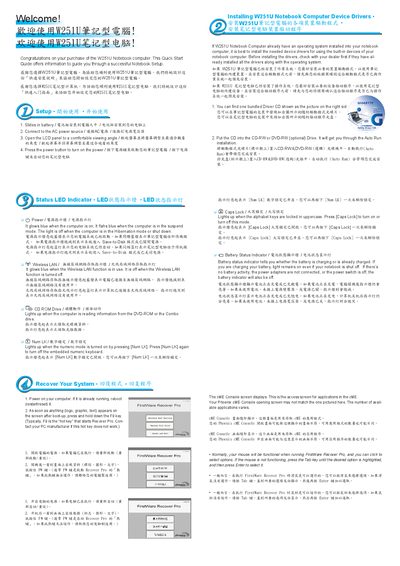
This Quick Start Guide provides step‑by‑step instructions for getting the Gigabyte W251U notebook up and running. It shows how to install the battery pack, connect the AC adapter, adjust the LCD panel, and power on the device.
The guide also explains the meaning of the various status LEDs, how to install device drivers from the bundled CD, and how to use the built‑in recovery utility. For detailed procedures, users are directed to the full user manual available on the Gigabyte website. This manual is written in Chinese.
| Battery status indicator behavior | Lights on while charging, off when no battery activity |
|---|
Insert the battery pack into the computer as shown in the guide.
Power on the computer, then press and hold the F9 key as soon as any logo or text appears on the screen.