
MOONS STM23C Integrated Motor Driver Quick Start Guide, introduces the steps of preparing before installation, connecting power supply, configuring the driver, installing software.
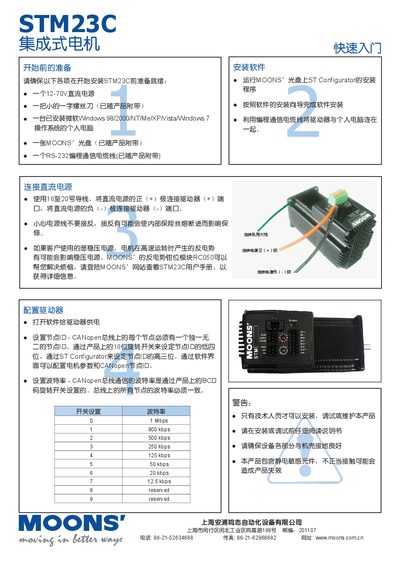
This manual guides users through preparing the STM23C driver, including required tools such as a 12‑70 V DC power source, a screwdriver, a Windows PC, the supplied CD, and an RS‑232 programming cable. It also outlines safety warnings, grounding requirements, and handling of static‑sensitive components.
Installation steps cover software setup with the ST Configurator, connecting the driver to the PC via a programming cable, and configuring CANopen settings such as node ID and baud rate. The guide details DC power wiring, driver configuration using rotary switches and software, and provides quick‑start information for rapid deployment. This manual is written in Chinese.
| Supply Voltage | 12‑70 V DC |
|---|---|
| CANopen Baud Rate Options | 0.1 Mbps to 1 Mbps (e.g., 1 Mbps, 800 kbps, 500 kbps, 250 kbps, 125 kbps, 50 kbps, 20 kbps, 12.5 kbps) |
Connect the positive (+) lead of a 12‑70 V DC power source to the driver’s (+) terminal and the negative (‑) lead to the (‑) terminal using 16‑20 gauge wire, ensuring correct polarity.