
The MobileOffice Z18 portable scanner is a portable scanner with a USB interface power supply, eliminating the need for external batteries or AC power. It is convenient to carry and can be used in various special occasions or meetings. This manual provides instructions for using the product.
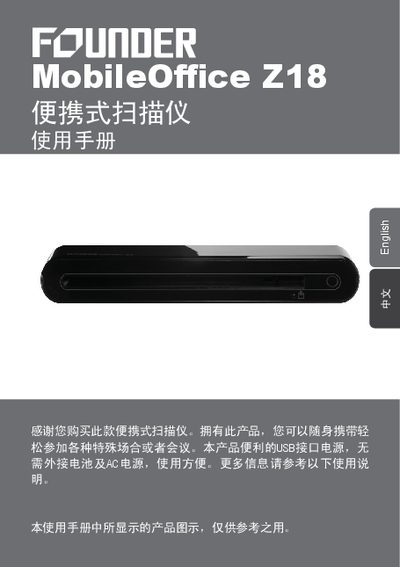
This manual guides you through the safe use and setup of the MobileOffice Z18 portable scanner. It covers hardware connections, driver and software installation, and basic scanning functions using the ScanExpress interface.
Additional sections explain calibration and cleaning procedures, TWAIN software scanning for Windows and macOS, detailed product specifications, and troubleshooting tips for common issues. This manual is written in Chinese.
| Optical Resolution | 600 dpi (H) x 600 dpi (V) |
|---|---|
| Scanning Area | 216 x 355 mm |
| Interface | USB 2.0 |
| Black‑and‑White Speed | 300 dpi, 4 ppm (A4) |
| Color Speed | 300 dpi, 2.7 ppm (A4) |
| Supported OS | Windows XP/Vista, macOS 10.4–10.5 |
| Power Consumption | 5V, 500mA via USB |
| Dimensions | 295 mm x 60 mm x 40 mm |
| Weight | 420 g |
In black‑and‑white mode at 300 dpi the scanner processes 4 pages per minute (A4), while in color mode at 300 dpi it processes 2.7 pages per minute (A4).
The scanner works with Windows XP, Windows Vista, and macOS versions 10.4 through 10.5.