
This document is a user manual for a mobile phone, providing information on safety precautions, an overview of the phone, and instructions on how to use various functions.
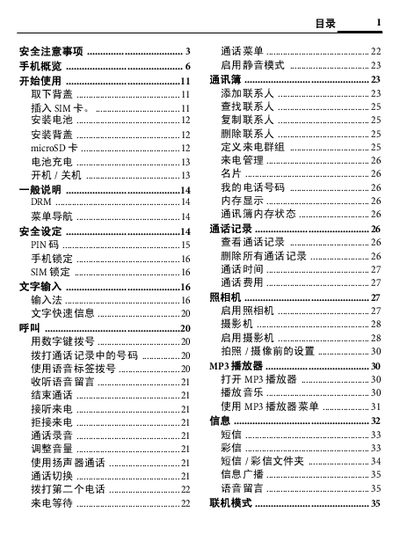
This user manual covers the BenQ EF71 mobile phone, a flip phone with an external OLED display and MP3 playback keys. It explains safety precautions, phone layout, and basic operation such as inserting the SIM card and battery, charging, and turning the device on or off.
The manual also describes menu navigation, security settings, text input, making and receiving calls, the camera and camcorder, MP3 player, messages, games, Bluetooth, FM radio, tools, WAP browser, settings, maintenance, product data, SAR information, and the menu tree. This manual is written in Chinese.
| Rated voltage / frequency | 3.7V, 900/1800/1900 MHz |
|---|---|
| Maximum transmit power | GSM 900: 2W, DCS 1800: 1W, PCS 1900: 1W |
| Compliance | Compliant with GSM mobile phone standards |
| Place of manufacture | Jiangsu, China |
The factory-set Bluetooth name is BENQ EF71.
Press and hold the power on/off/end key to turn the phone on or off.
The maximum transmit power is 2W for GSM 900.
Place the battery in its protective cover when it is removed from the phone and not in use.