
PCI-1723 is a non-isolated multi-channel PCI analog output card with features such as automatic calibration, flexible voltage output range, and maintaining output values after system restart.
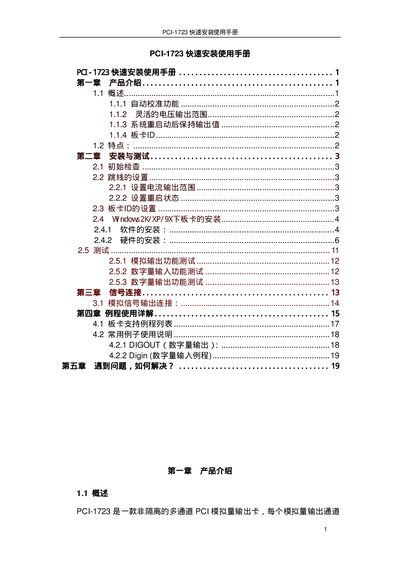
This Advantech PCI-1723 quick installation manual provides setup instructions for the PCI-1723 multi-channel PCI analog output card. It covers unpacking and electrostatic precautions, jumper configuration, board ID setting, and driver installation for Windows 2K, XP, and 9X.
The manual also describes analog signal output connections, example programs for digital and analog input/output testing, and basic troubleshooting steps for resolving problems with the card. This manual is written in Chinese.
| Analog output channels | 8 |
|---|---|
| DAC resolution | 16-bit |
| Current output ranges | 0~20mA, 4~20mA |
| Digital I/O | 2 ports, 16 channels |
| Default output voltage | 0V |
The card provides 8 analog output channels, each with a 16-bit DAC.
After power loss, the card returns to its default state with an output voltage of 0V.
The board ID is set using the 4-position DIP switch SW1 on the card panel.