
PCI-1710/1710HG Quick Installation Manual is the user manual for PCI-1710 multi-function data acquisition card, which introduces the features and characteristics of the product, installation and testing methods.
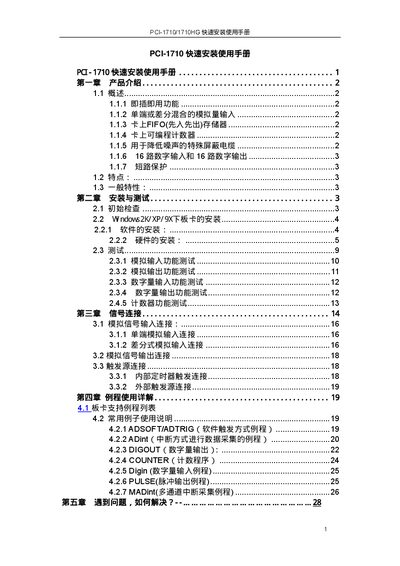
The PCI-1710/1710HG is a PCI‑bus data acquisition card offering 12‑bit A/D conversion, D/A conversion, digital I/O, and programmable counters. It supports plug‑and‑play, mixed single‑ended/differential analog inputs, a 4 K FIFO buffer, and short‑circuit protection on the power pins.
The manual walks through hardware installation, driver and software setup (Device Manager, 32‑bit DLL, LabVIEW and ActiveDAQ components), and provides example programs for analog input, output, digital I/O, and counter functions. It also includes troubleshooting tips and how to configure FIFO, gain, and trigger settings.
| Resolution | 12‑bit |
|---|---|
| Maximum Sampling Rate | 100 kS/s |
| FIFO Buffer Size | 4 K samples |
| Digital I/O | 16 inputs, 16 outputs |
| Analog Input Channels | 16 single‑ended or 8 differential |
| Analog Output Channels | 2 channels, 12‑bit |
| Power Consumption | +5 V @ 850 mA (typ) / +5 V @ 1.0 A (max) |
| Operating Temperature | 0 °C to 60 °C |
| Dimensions | 175 mm × 100 mm |
Insert the supplied CD, run the Device Manager installer, then install the 32‑bit DLL driver as described in the manual.
The +12 V and +5 V output pins have short‑circuit protection that disables the pin for about two minutes after a fault before output resumes.
The card supports up to 16 single‑ended analog inputs or 8 differential inputs, which can be mixed as needed.
In the software settings, enable FIFO; the FIFO size is automatically set to half of the buffer capacity.