
This document is an operation manual for AFV ultrasonic flowmeters, which describes the features, working principle, typical applications, and performance specifications of the product.
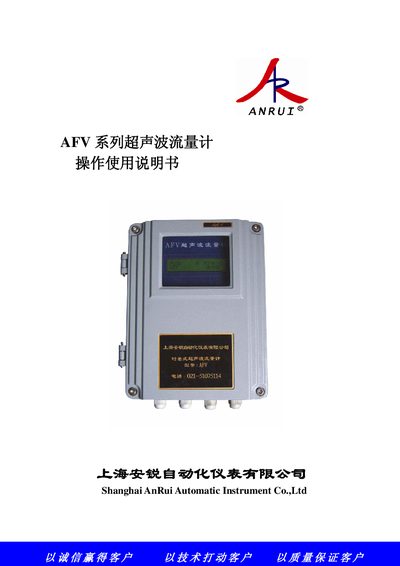
This manual describes the AFV series ultrasonic flow meter, a time‑difference type device for measuring flow and heat in clean liquids. It covers the meter’s features, hardware layout, wiring diagrams, performance specifications and optional accessories.
The document guides users through installation, sensor mounting methods, configuration of measurement parameters, use of the LCD interface, data output options (4‑20 mA, voltage, frequency, pulse, relay), networking via RS‑232/RS‑485, calibration procedures, fault diagnostics and warranty information. This manual is written in Chinese.
| Accuracy | 1.0 % |
|---|---|
| Flow speed range | 0 m/s ~ ±32 m/s |
| Measurement period | 500 ms (2 measurements per second) |
| Analog input accuracy | 0.1 % |
The product comes with a one‑year quality guarantee covering any defects that occur within that time.
The meter can be powered from AC 220 V or from a DC source of 8 V to 36 V, depending on the installation.
Connect a standard 4 mA current source to the AI1 input terminals, let it stabilize for at least 10 seconds, then follow the menu steps to perform the calibration.
Use the commands “AI1, AI2, AI3, AI4” to obtain current values of temperature, pressure, etc., via the RS‑232/RS‑485 interface.