
This manual introduces the use of PATRIOT CORZA SL3640-2S-LB2, including product installation, user interface introduction, control panel settings, network services, maintenance and other content.
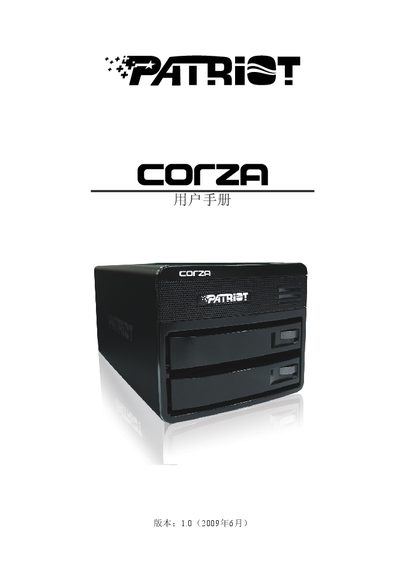
The Patriot CORZA SL3640-2S-LB2 manual guides users through hardware installation, power connections, and initial setup of the storage device. It includes instructions for running the Corza_setup.exe utility and configuring RAID options.
Additional sections cover network configuration (Gigabit LAN, USB 2.0), LED indicator meanings, and detailed specifications such as power input requirements and output ratings. The document also provides troubleshooting tips and safety notices.
| DC Output | +4 V 2 A, +5 V 5 A |
|---|---|
| Network Interface | Gigabit LAN |
| RAID Mode | RAID 4M32 |
Run the Corza_setup.exe program included with the product.
It provides a Gigabit LAN port for high‑speed Ethernet connectivity.
The manual describes a RAID mode labeled 4M32 for configuring storage arrays.