
This document provides a user guide for Wiley InterScience, including features such as homepage browsing, user registration and login, personal folders, content browsing, obtaining literature in personal capacity, and search functionalities.
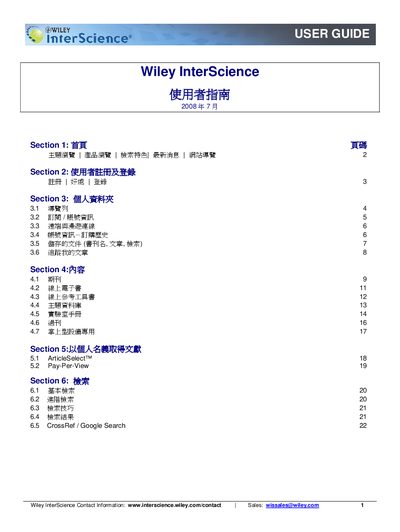
This guide walks users through the Wiley InterScience website, starting with the homepage and the registration/login process. It describes how to create an account, set personal information, and access the My Profile area where users can manage saved titles, articles, and searches.
Further sections cover subscription details, remote and roaming access for off‑site use, and tips for advanced searching, including Boolean operators and saved searches. The manual also explains how to track article usage and use CrossRef/Google search integration. This manual is written in Chinese.
After logging in, go to the Subscription page, select “License Sources,” and choose “Activate Roaming Access” to obtain a 120‑day remote access license.
Enter your search terms, then click the “Save Search” button to store the query and receive email alerts when new results match.