
Xingkong Chess Mobile Game is an online chess game that allows players to play various card games on their mobile phones. It supports multiple game types and special card games, and is compatible with Kjava-enabled phones.
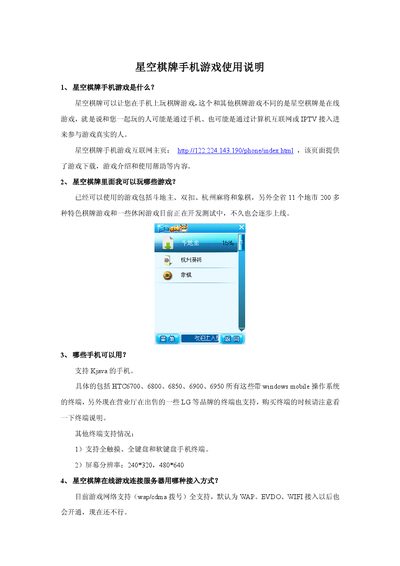
This manual introduces the Star Chess mobile game, describing its online multiplayer nature and the variety of board games available such as Dou Dizhu, Mahjong, and Chinese Chess. It also provides the web address for downloading the game and details the supported Windows Mobile devices.
The guide covers network connection options, cost information, step‑by‑step installation from a CAB package, user registration, navigation of the game interface, and how to join game rooms. A customer‑service phone number is listed for further assistance. This manual is written in Chinese.
| Supported devices | HTC6700, 6800, 6850, 6900, 6950 and LG Windows Mobile phones |
|---|---|
| Screen resolution | 240×320, 480×640 |
| Network access methods | WAP (default), CDMA, EVDO, Wi‑Fi |
The game runs on Windows Mobile phones such as HTC6700, 6800, 6850, 6900, 6950 and on some LG devices that support Windows Mobile.
Download the CAB package from the game’s website, copy it to the phone’s storage card, and run the installer from the storage card.
On the login screen tap “免费注册” and follow the prompts to create a new account.