
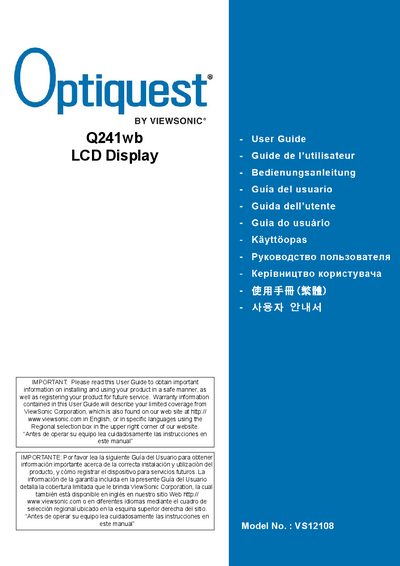
This guide explains how to install and safely operate the Optiquest Q241wb 24‑inch LCD display. It includes important safety notices, connection instructions, and basic troubleshooting steps to help users get the monitor up and running.
The manual also details warranty coverage, registration procedures, and regulatory compliance (FCC, CE, RoHS). Technical specifications such as model number, screen size, and VESA mounting options are listed for reference.
| Screen Size | 24 inches |
|---|---|
| Model Number | VS12108 |
| Release Year | 2008 |
The guide describes limited warranty coverage provided by ViewSonic Corporation, with details available on the ViewSonic website.