
This document is the user manual for the iriver H10 Jr. player. The manual provides detailed instructions on the functionality and operation of the player, including setting menus, common functions, troubleshooting, etc. It also provides a link to the iriver website, where users can find more product information and firmware upgrades.
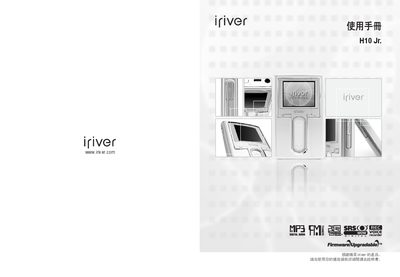
This manual begins with safety warnings and a list of accessories, then explains how to connect the H10 to its power adapter, base, and a computer via USB. It also covers installing the iriverplus 2 software for firmware updates and media management.
The second part describes basic operation such as playing music, using playlists, adjusting volume, and accessing FM radio. It details the 1.2‑inch LTPS color LCD, 10 preset EQ settings, 3D SRS WOW sound, and USB 2.0 high‑speed transfer. The guide finishes with product specifications, FCC information, and troubleshooting tips. This manual is written in Chinese.
| USB Interface | USB 2.0, up to 480 Mbps theoretical speed |
|---|---|
| Equalizer Presets | 10 preset EQs + 1 user‑defined EQ |
| Radio | FM reception and recording (optional) |
Connect the base unit to the computer with the supplied USB cable; the manual shows a “连接底座 - 连接电脑” step.
Install the iriverplus 2 software from the iriver website and follow the on‑screen update instructions.