
AV3200C is an automatic feed color image scanner produced by Plustek. It complies with Class A digital device specifications and FCC Part 15 regulations. It can scan multiple documents and has features such as adjusting the receiving antenna.
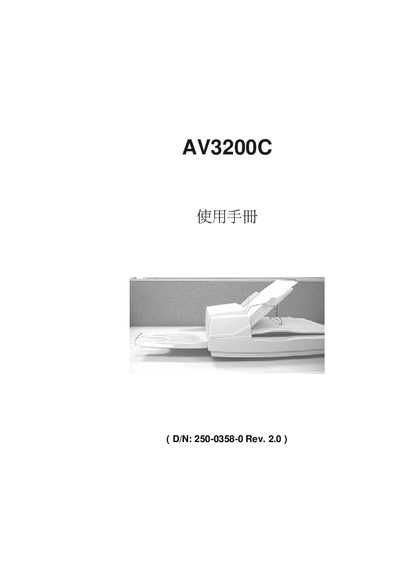
The AV3200C is an automatic document feeder (ADF) color image scanner designed for high‑quality scanning of single‑ and double‑sided documents. The manual guides users through unpacking, safe installation, and proper handling of the scanner.
Key sections cover SCSI interface configuration, ADF installation, scanning multiple pages, adjusting image settings, and detailed technical specifications. Troubleshooting tips address common issues such as dark images, line‑art distortion, and paper jams, while the technical service chapter lists contact information for support. This manual is written in Chinese.
| Scanner type | Automatic feeder / flatbed duplex scanner |
|---|---|
| Optical resolution | 300 dpi × 600 dpi (H×V) |
| Light source | Cold cathode lamp |
| Scan modes | Black‑white, 256‑gray, 42‑bit full colour |
| ADF capacity | Up to 50 pages per load |
| Scan speed (duplex) | 40 pages/min at 200 dpi black‑white |
| Scan speed (simplex) | 25 pages/min at 200 dpi black‑white |
| Maximum document size (ADF) | 8.5" × 14" |
| Interface | SCSI‑2 |
| Power supply | 24 VDC, 1.25 A |
| Operating temperature | 5 °C to 35 °C |
| Dimensions (W×L×H) | 567 mm × 350 mm × 199 mm |
| Weight | 15.87 lb (7.2 kg) |