
SCH-X979 is a powerful mobile phone with traffic safety features. Safety precautions should be taken, such as turning off the phone when not in use and not using it in specific situations.
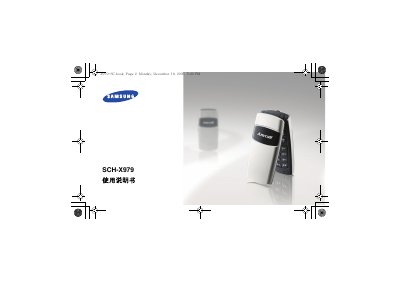
This user manual describes how to set up and operate the Samsung SCH-X979 mobile phone. It covers the UIM card, battery installation, charging, power controls, keys, display, menu navigation, phonebook, messaging, calendar, alarm, games, text entry, and call features.
The manual also includes troubleshooting, health and safety information, care and maintenance guidance, and emergency calling instructions. It notes that some content may vary with installed software, service provider, or country. This manual is written in Chinese.
| Document date | 12/2005 |
|---|---|
| Manufacturer | 深圳三星科健移动通信技术有限公司 |
| CMII ID | 2005CP1688 |
| Network access license number | 02-5431-051775 |
Remove the battery, insert the UIM card with its metal contacts facing the phone, install the battery, replace the battery cover, and connect the travel charger to a standard AC outlet.
The phone sounds an alarm, displays a low battery message, and shows a flashing empty battery icon. If the battery level becomes too low, the phone turns off automatically.
Turn on the phone if it is off, enter the local emergency number such as 120, and press the call key. Emergency numbers vary by location.
No. The phone must be turned off before boarding, and using it on the aircraft is illegal and dangerous to aircraft operation.