
DC C25/C35 is a digital camera produced by BenQ Corporation, which features high resolution and digital zoom. It is also equipped with a built-in rechargeable lithium battery and QLink software for easy file downloading and management.
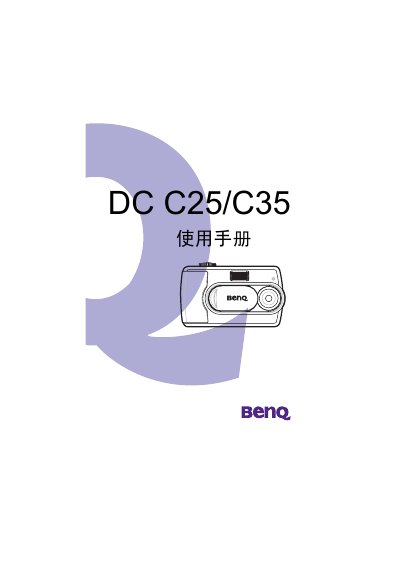
The BenQ DC C25/C35 is a compact digital camera with a built-in rechargeable lithium battery, USB charging, SD card storage, and up to 3-megapixel resolution with 4x digital zoom. It offers snapshot, video, and playback modes, plus a webcam function and QLink software for photo management.
The manual details camera parts, basic operation (power, charging, SD card handling), LCD icons, shooting settings (resolution, quality, white balance, exposure, metering, focus modes), video recording, playback, connecting to a computer or TV, using the camera as a webcam, and a list of error messages with solutions. This manual is written in Chinese.
| Maximum Resolution | 3 megapixels (2048 x 1536) |
|---|---|
| Digital Zoom | 4x |
| Battery Type | Built-in rechargeable lithium battery |
| Charging Method | USB or AC adapter, approx. 2 hours |
| Storage Media | SD card |
| Image Resolutions | 2048x1536, 1600x1200, 1280x960, 640x480 |
| Snapshot Modes | Single, Self-timer, Continuous (C25 only) |
| Focus Modes | Macro 0.3-0.4m, Normal >1.0m |
| White Balance | Auto, Daylight, Cloudy, Tungsten, Fluorescent |
| Metering Modes | Center-weighted, Spot, Average |
| Video Recording | Unlimited (memory dependent) |
| Webcam Function | Supported via USB |
| Operating Temperature | 0°C to 40°C |
| Operating Humidity | 45% to 85% |
Connect the camera to a computer via USB or use the included AC adapter. Charging takes about two hours; the indicator light turns orange while charging and turns off when complete.
Single shot, self-timer (10-second delay), and continuous shooting (three shots at 0.1-second intervals, C25 only).
Delete some images from the memory card or insert a new card.