
User's Guide, introduces the use of COMPANION ® 2 Series II MULTIMEDIA SPEAKERS, precautions.
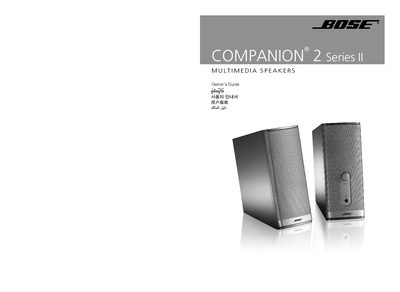
This owner’s guide provides step‑by‑step instructions for installing and using the Bose Companion 2 Series II multimedia speakers. It covers safety warnings, unpacking, speaker placement, wiring to a computer or other audio sources, volume control, cleaning, and basic troubleshooting.
The manual also includes warranty information, technical specifications such as driver size, power ratings, dimensions and weight, and contact details for Bose customer service. This manual is written in Chinese.
| Driver size | 2.5" (6.4 cm) full‑range |
|---|---|
| Power rating | 20 VA |
| Input power | 12 V 1.2 A |
| Maximum input signal | 2.25 V |
| Dimensions (approx.) | 7.5" H × 3.125" W × 5.875" D (19 cm × 8 cm × 15 cm) |
| Weight | RIGHT speaker 2.3 lb (1 kg), LEFT speaker 1.8 lb (0.8 kg) |
Wipe the speakers with a soft, dry cloth; do not use solvents, chemicals or sprays. You may gently vacuum the grille to remove dust.
Make sure an audio source is connected and powered, the volume is turned up, the headphone jack is not inserted, and the power component is firmly plugged into the speaker and wall outlet.