
Instruction manual for Panasonic CJ-V61CL, CJ-V61KW, CJ-V61KT cordless phone models, including usage methods, safety precautions, and function introductions.
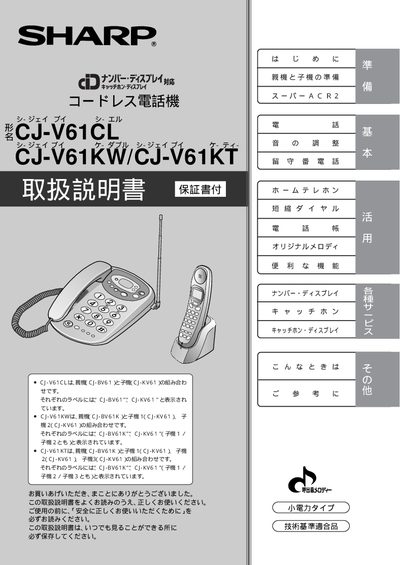
This manual covers the preparation of the base unit (C‑BV61) and up to three handsets (C‑KV61) for the CJ‑V61CL, CJ‑V61KW, and CJ‑V61KT models. It describes safety precautions, battery handling, and how to install optional accessories.
Detailed instructions are provided for using core functions such as number‑display service, catch‑phone display, Super ACR2, call routing, ringtone customization, and inter‑handset communication. Troubleshooting, warranty information, and service contacts are also included. This manual is written in Japanese.
| Power supply voltage | AC 100 V |
|---|---|
| Battery charging temperature range | 5 °C – 35 °C |
Yes. Separate code‑less handset expansion units can be purchased and attached, allowing up to three additional handsets for the CJ‑V61 series.
Remove the handset, locate the battery compartment, ensure the polarity (+ and –) matches the markings, and insert the compatible Sharp rechargeable battery supplied with the device.
When subscribed to NTT’s paid Number‑Display service, incoming call numbers are shown on the handset’s LCD screen.