
GT-530 is an industrial SMS alarm device that can periodically report the value of the counter and trigger DI to send a text message to the operator to notify the occurrence of the event and take timely action to the event. No matter what time or place, you can use your mobile phone to grasp the status of remote work. It also provides RS232 interface for PAC, PC or PLC to receive and send SMS in the most convenient way to provide more flexible applications. No matter it is machine monitoring application, vending machine monitoring system, unmanned machine room monitoring or game machine monitoring system, it can be quickly installed and used after simple setup steps, and users do not need to write any program. SMS Utility mainly provides customers with the function of setting GT-530 related parameters, such as DI type, SMS message to be sent after DI trigger and target phone number, and event alarm opening
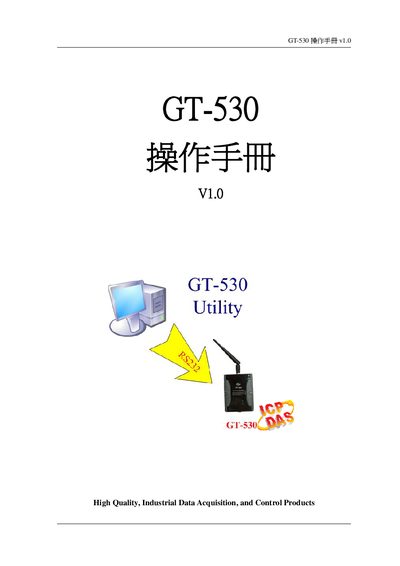
This manual introduces the GT-530, an industrial SMS alarm unit that reports counter values and sends event notifications via SMS. It details the device’s features, applications, and hardware layout, including pin assignments and wiring diagrams.
The document also provides step‑by‑step instructions for installing the GT-530 Utility, configuring parameters, using SMS commands, communicating through COM3, and resolving common faults. This manual is written in Chinese.
| CPU | 32‑bit Arm7, 72 MHz |
|---|---|
| SRAM | 32 KB |
| Flash Memory | 512 KB |
| Dimensions | 91 mm × 132 mm × 52 mm (W × H × D) |
| Operating Temperature | -25 °C to +55 °C |
| DI Channels | 10 (6 Counter, 5‑40 Hz) |
| GSM Frequencies | 900 MHz / 1800 MHz / 1900 MHz |
| Battery Backup | 600 mAh Li‑ion (option 1200 mAh) |
The reset procedure is described in section 7 of the manual titled “如何Reset GT-530”. Follow the steps outlined there to perform a reset.