
User manual for the 4D Systems µOLED-96-PROP embedded OLED display module with micro‑SD support.
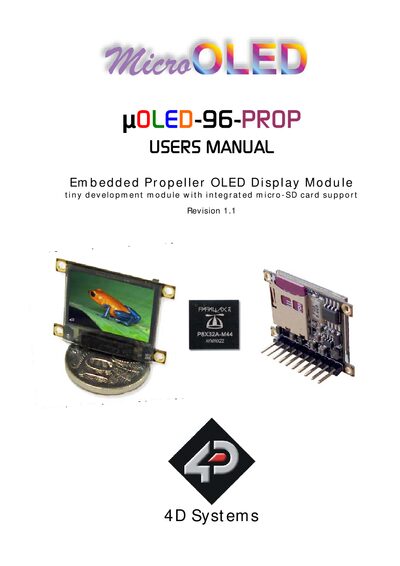
The µOLED-96-PROP is a compact embedded display module that combines a Propeller micro‑controller, a 0.96" 96×64‑pixel colour OLED screen and a micro‑SD card socket in a 32.7 mm × 23 mm × 5.2 mm package. It provides a ready‑to‑use solution for projects that need display and storage capabilities, and includes a prototype SPIN object for low‑level graphics functions.
The manual covers features, pin assignments, circuit diagram, USB‑Serial interface options, mechanical dimensions and related accessories such as the µUSB‑MB5 and µUSB‑CE5 micro‑USB modules. It also lists precautions for OLED use and where to obtain software tools and technical support.
| Display size | 0.96" diagonal |
|---|---|
| Resolution | 96 × 64 pixels |
| Colour depth | 65 K colours |
| Module dimensions | 32.7 mm × 23 mm × 5.2 mm |
| Supply voltage | 3.6 V to 6.0 V |
| Interface pins | 5‑pin programming and power interface |
| General‑purpose I/O pins | Four GP pins (P21‑P18) plus Rx and Tx |
| Micro‑SD capacity | Up to 2 GB |
It operates from 3.6 V to 6.0 V supplied by an external DC source.
The module uses a 5‑pin header that provides VCC, Tx, Rx, GND and a reset signal, plus four general‑purpose I/O pins (P21‑P18) for additional interfacing.
Avoid a white background because it draws the most current and can cause higher power consumption and potential burn‑in.