
HDC 613 User Manual, introduces the basic use of the software, including connecting the handheld, modifying variables, downloading methods, etc.
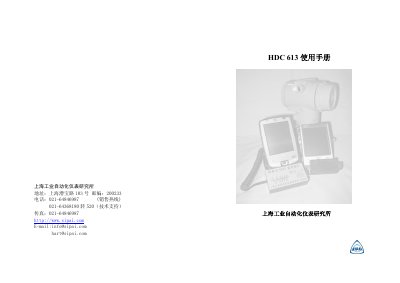
This manual explains how to use the HDC 613 software with the SIPAI handheld device. It covers software installation, port configuration, device library management, variable download, and troubleshooting procedures for HART communication.
Key sections include software version checking, port settings (USB COM0), device connection and disconnection, viewing device status, and editing descriptors. The guide also provides detailed menus and button actions needed to operate the software safely and efficiently. This manual is written in Chinese.
| Software version | 1.0.0 |
|---|---|
| Interface | USB (COM0) |
| Primary variable range (upper) | 20.000 |
Open the HDC 613 software, click “设备” → “连接”, then select the port and enable the carrier.
Click “设备” → “关于” in the menu to display the current software version.
Select the variable (e.g., descriptor), edit its value, then click “确定” to download it to the device.
Press the handheld’s reset switch with the stylus and restart the program.