
BBLLW W--0044G G 54Mbps High Speed Wireless Broadband Router User Manual is a manual that introduces the features and functions of the BLW-04G wireless broadband router, including hardware installation, network settings, advanced applications, and Mac computer settings.
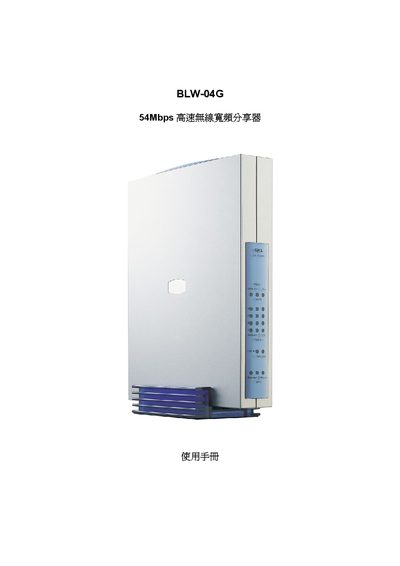
This manual provides step‑by‑step instructions for installing and configuring the BLW‑04G wireless router, including network settings, security options, and firmware updates.
It also lists the technical specifications of the device, such as supported Ethernet standards, wireless standards, dimensions, power requirements and regulatory compliance.
| Ethernet Standard | 10BASE‑T / 100BASE‑TX |
|---|---|
| Data Rate | 10/100 Mbps |
| Dimensions | 180 mm × 150 mm × 29.3 mm |
| Power Supply | DC 5 V, 2 A |
| EMI / Regulatory | VCCI Class B, FCC Class B, CE, DGT |
Use the DHCP Configuration section (page 4‑1) to set the DHCP server parameters and address pool.
Wireless security options are described in the Wireless Settings section (page 4‑1).
The Firmware Upgrade section (page 4‑12) provides the steps to upload and install new firmware.
The router supports 10BASE‑T and 100BASE‑TX Ethernet connections.