
2200 series PID controller installation and operation manual, introduces the function characteristics and usage methods of the product.
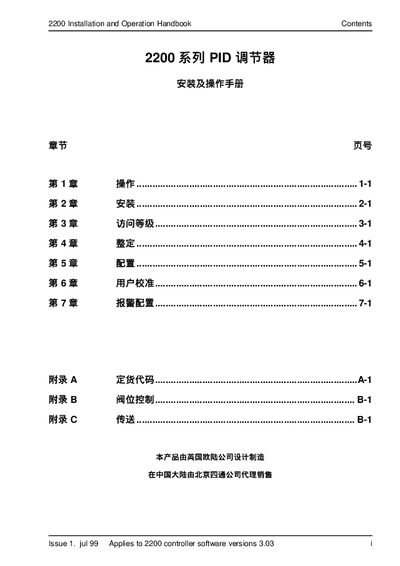
This handbook provides step‑by‑step instructions for installing and operating the Continental 2200 series PID regulator. It explains the initial power‑up self‑check, how to view and adjust process and setpoint values, and the use of the front‑panel keys.
The manual also details the parameter menus, alarm settings, operation modes (automatic, manual, remote), analog output configuration, and calibration procedures for current and voltage signals. Reference tables show the mapping between input ranges and displayed values, and the document includes troubleshooting notes for common alarms. This manual is written in Chinese.
| Analog output range | 0‑20 mA |
|---|---|
| Standard analog output | 4‑20 mA |
| Voltage output options | 0‑10 V, 0‑5 V, 1‑5 V |
| Number of alarm points | 4 |
| Process value display range | 0‑1000 |
Press the increase key to raise the setpoint; after about 2 seconds the new value is confirmed and stored in the instrument.
Set Out.H to 20.0 and Out.L to 0.0; this defines the 0‑20 mA range for the output signal.