
Nikon 28-105mm lens is an auto focus lens for Nikon AF cameras with a focal length range of 28mm to 105mm. It features aspherical lenses and a circular aperture for superior image quality.
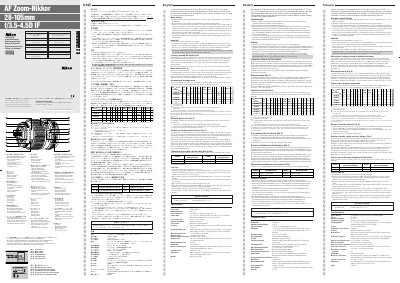
This manual explains how to use the AF Zoom‑Nikkor 28‑105mm lens, covering autofocus operation, manual focusing, macro shooting, and exposure control. It also details the lens’s major features such as internal focusing, aspherical element, and 8‑blade diaphragm.
Technical specifications, recommended focusing screens, lens‑care procedures, and accessory compatibility are listed. Users are instructed on cleaning, storage, and safe handling to maintain performance and longevity.
| Lens type | D-type AF Zoom‑Nikkor lens with built‑in CPU |
|---|---|
| Focal length | 28 mm–105 mm |
| Maximum aperture | f/3.5–f/4.5 |
| Lens construction | 16 elements in 12 groups (one aspherical) |
| Minimum aperture lock | Provided |
| Weight | Approx. 455 g |
Do not attach the Auto Extension Ring PK‑11 (use PK‑11A) or the Auto Ring BR‑4 (use BR‑6 with BR‑2A) because they can damage the CPU contacts.
Use a blower brush to remove dust, then clean the glass with a soft cotton cloth or lens tissue moistened with ethanol or a lens cleaner, wiping in a circular motion from center outward.