
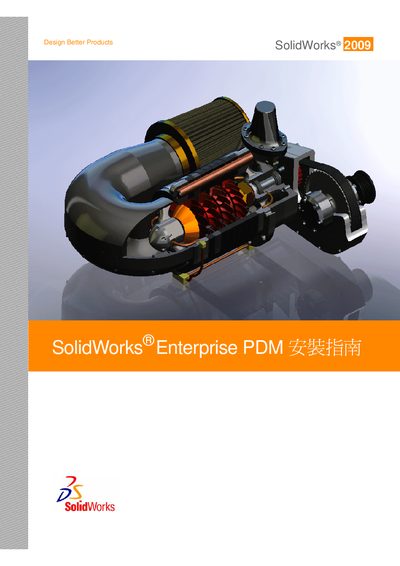
SolidWorks Enterprise PDM Installation Guide


SolidWorks Enterprise PDM Installation Guide - cover page
Brand
solidworks
Category
Other software
Document type
Installation Guide
Language
Chinese
Pages
108
File format
PDF
Published
23 September, 2011
Updated
29 September, 2023
MD5 checksum
F048413F86A08385D72FC2C7262DF13D

About this manual

This Chinese-language guide explains how to install SolidWorks Enterprise PDM. It covers Microsoft SQL Server 2005 and SQL Server 2008 preparation, Enterprise PDM server and Web server setup, client installation, and PDMWorks Enterprise migration.

The document also includes SQL Server 2005 Service Pack setup, SQL_DMO configuration, SQL Server Agent notes, Microsoft Indexing Service setup, and Visual Basic 6 setup notes. This manual is written in Chinese.

What's inside

  • SQL Server 2005
  • SQL Server 2008
  • SQL Server 2005 Service Pack
  • SQL Server SQL_DMO
  • SQL Server Agent
  • Microsoft Indexing Service
  • Enterprise PDM Web
  • Visual Basic 6
  • PDMWorks Enterprise

Specifications

Supported SQL Server versionsSQL Server 2005 and SQL Server 2008
Mentioned client operating systemsWindows XP SP2 and Vista

Frequently asked questions

Which SQL Server versions does the guide cover?

The guide covers SQL Server 2005 and SQL Server 2008.

Which Windows versions are mentioned for client installation?

Windows XP SP2 and Vista are mentioned in the installation sections.

What can the SolidWorks Enterprise PDM DVD include?

The DVD can include SQL Server installation files.

Download PDF

More solidworks Manuals


View all solidworks manuals →