
Lenovo Laser Multifunction M7200 User Manual
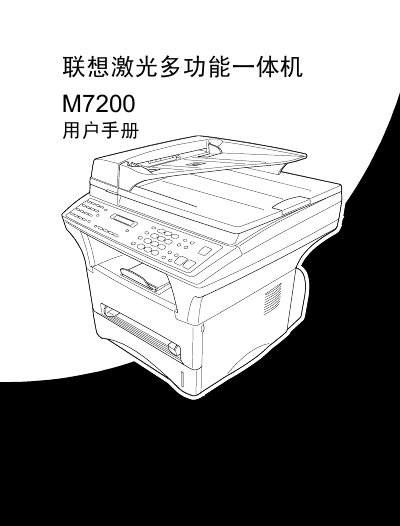
The Lenovo M7200 laser multifunction printer user manual explains how to prepare the device, load documents, use the control panel, and perform basic fax, copy, print and scan operations. It also covers advanced fax functions, PC-FAX for Windows users, printer driver options, remote setup, maintenance and troubleshooting.
The manual includes specifications for fax, printing, computer requirements and electrical and environmental conditions, along with safety information, optional accessories such as memory, a paper tray and a network card, and a glossary and index. This manual is written in Chinese.
| Automatic document feeder capacity | Up to 50 sheets |
|---|---|
| Recommended paper weight for automatic feeder | 75 g/m² |
| Recommended environment temperature | 20-30°C (68-86°F) |
| Recommended environment humidity | 50%-70% |
| Document width range | 14.8 to 21.6 cm |
| Document length range | 12.7 to 35.6 cm |
| Maximum copy quantity | 99 copies |
| Laser classification | Class 3B laser diode |
| Laser diode wavelength | 760 - 810 nm |
| Maximum laser output | 5 mW |
The automatic document feeder can hold up to 50 sheets, loaded one sheet at a time.
Use standard paper weighing 75 g/m².
Place the original face up in the automatic document feeder or face down on the scanner glass, enter the fax number using one-touch, speed, search or the dial pad, and press the Fax Start key.
The four receive modes are FAX/TEL, TAD, MANUAL and FAX.
It is a Class 1 laser product under IEC 60825 and contains a Class 3B laser diode with a maximum output of 5 mW.