
User manual for the Asia-Printer MPT-II 58mm thermal receipt printer covering safety, operation, Bluetooth pairing and specifications.
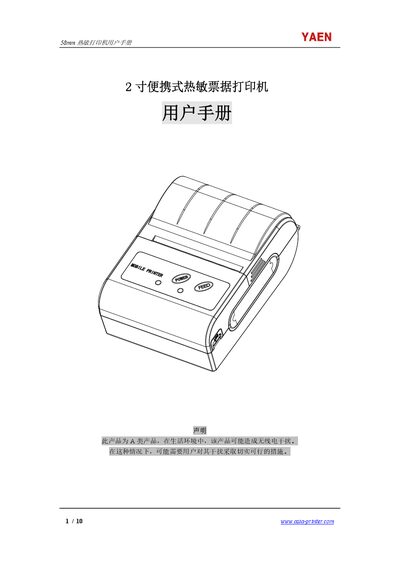
This manual provides detailed information on the Asia-Printer MPT-II portable thermal receipt printer, including safety precautions, battery handling, and environmental limits. It also describes the printer’s physical dimensions, performance characteristics, and supported interfaces.
Step‑by‑step usage instructions cover battery installation, paper roll loading, power on/off, self‑test, manual feeding, Bluetooth pairing, and indicator light meanings. Warranty terms and a parts list are included at the end of the document. This manual is written in Chinese.
| Print width | 48 mm |
|---|---|
| Paper width | 57 mm |
| Resolution | 8 dots/mm (203 dpi) |
| Print speed | 50–80 mm/s |
| Paper roll diameter | ≤40 mm |
| Dimensions | 92.5 × 75 × 38 mm |
| Weight | 198 g (without paper roll) |
| Battery capacity | 1500 mAh rechargeable Li‑ion |
| Operating temperature | -10 °C to 50 °C |
| Storage temperature | -20 °C to 70 °C |
| Operating humidity | 20 %–85 % RH |
| Interface | USB Type‑C and Bluetooth |
Turn on the printer, let the host device search for Bluetooth devices, select MPT‑II, and enter the password “0000”.
The red light (MODE_RED) is the power‑on indicator and stays lit when the printer is turned on.
When the battery voltage drops below 6.8 V the buzzer sounds continuously; connect the charger to stop the alarm.
Only the battery and power adapter supplied by the company should be used; other batteries may cause damage, fire, or explosion.