
This manual explains how professional agents register, obtain authorizations, and use the XCA Certificate Integration Platform for electronic invoicing.
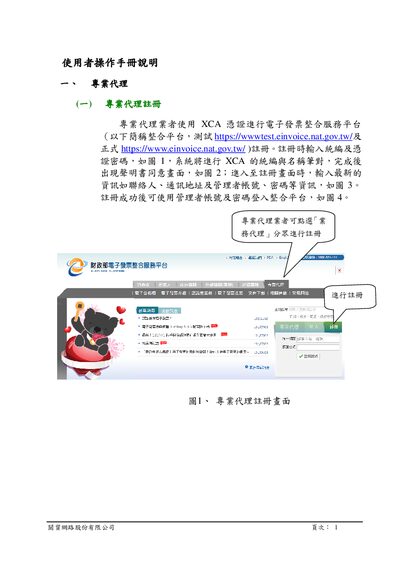
The XCA Certificate Integration Platform provides a web‑based service for electronic invoice processing. Professional agents and business entities use the platform to register, manage permissions, and query or download invoices.
Key functions include agent registration, business‑entity authorization, role and user‑account management, invoice search/print/download, discount‑document queries, and media‑declaration file downloads. The manual walks users through each step with screenshots and detailed instructions. This manual is written in Chinese.
| Test Platform URL | https://wwwtest.einvoice.nat.gov.tw/ |
|---|---|
| Production Platform URL | https://www.einvoice.nat.gov.tw/ |
The agent enters the tax ID and XCA certificate password, then fills in contact information, address, and manager account details before submitting the registration form.
After logging in, the business entity selects “營業人授權專業代理人”, enters the agent’s tax ID, authorization period, and invoice query period, then confirms the authorization.