
FAQ user manual for the CypTronic series CNC host by Shanghai Baichu, covering OS and hardware troubleshooting steps.
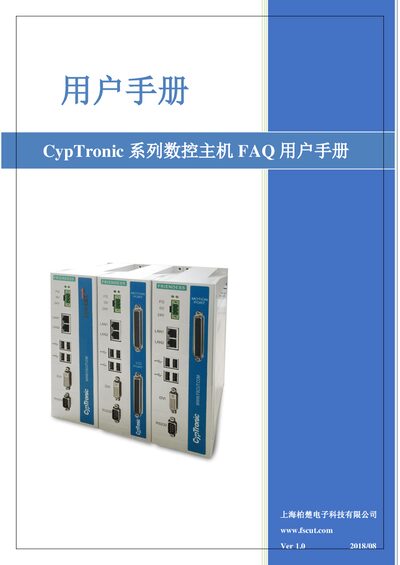
The manual provides a collection of frequently asked questions for the CypTronic series CNC host. It is divided into operating‑system related FAQs—such as system protection, recovery, blue‑screen and black‑screen handling—and hardware‑related FAQs covering power, motion‑control card detection, USB devices, display and network issues.
Each section gives step‑by‑step instructions to diagnose and resolve the problem, including how to disable the Enhanced Write Filter, recover the system, and perform hardware checks. The guide is intended for end users and service personnel who need quick solutions without contacting support. This manual is written in Chinese.
| Power supply | DC 24 V / 2 A |
|---|---|
| Display interface | DVI‑I (compatible with DVI‑D and DVI‑I) |
| Operating system | WES7 (Windows Embedded Standard) |
Open the FsTool folder on drive C:, run the “EWF系统保护” program, select “关闭保护”, then restart the host.
The host requires a DC 24 V, 2 A power supply.