
The CREM Brilliance coffee machine user manual provides installation, operation, programming, hygiene, and troubleshooting instructions.
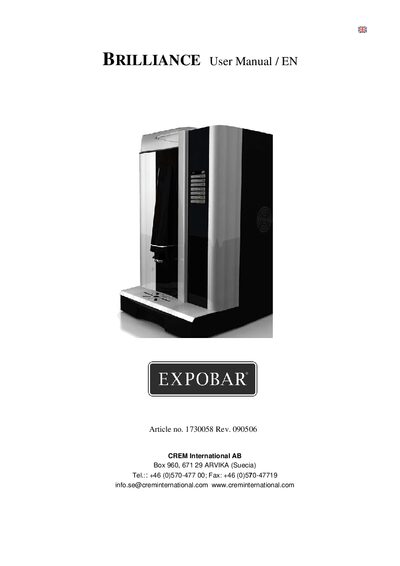
The manual describes the Brilliance coffee machine, its dimensions, weight, power requirements, and recommended installation locations. It covers water and electrical connections, initial boiler filling, and the use of a water softener.
The interface section explains the eight beverage buttons and their functions, while the technical programming chapter details how to adjust doses, timers, and smart‑card settings. Hygiene, maintenance, and cleaning procedures are provided, along with a comprehensive list of alarms, display messages, and troubleshooting steps.
| Dimensions (H×W×D) | 664×394×474 mm |
|---|---|
| Weight | 35 kg empty, 39 kg full |
| Power Supply | 230 V ~ 50 Hz, 16 A, 1250 W |
| Water Connection Pressure | 1.5 – 8 bar |
| Heating Element Power | 1000 W |
| Coffee Bean Capacity | ≈2 kg |
Open the door, turn off the power, hold buttons 1 & 5, then reconnect power; the INFO menu appears.
It indicates the machine has run out of coffee beans; refill the beans and restart the machine.