
This quick start guide explains how to connect power cables and DC‑DC adapters for Dawen MVT/MVC series industrial vehicle‑mounted computers.
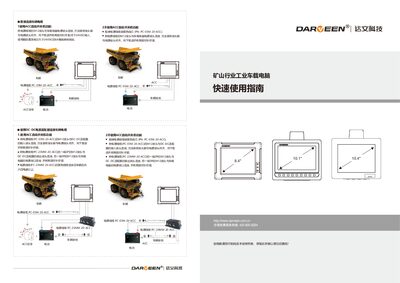
The guide provides safety instructions and step‑by‑step procedures for installing the power system of Dawen's industrial vehicle‑mounted computers. It covers both ACC auto power on/off usage and manual connection methods.
Power can be supplied directly from the vehicle battery (12 VDC, 24 VDC) or via Dawen DC‑DC adapters for higher voltages (48 VDC, 80 VDC). The document lists the required M12‑type cables, connector pin assignments, compatible AC‑DC adapters for office use, and fuse specifications for safe operation. This manual is written in Chinese.
| Power input connector | Industrial M12 aerospace connector |
|---|---|
| Power cable PC-03M-20-A CC | M12(3P) to 4‑wire, 2 m length |
| Fuse for 24 VDC input | 6 A slow‑blow fuse |
Connect the M12 connector of the power cable to the computer’s power input, align the pins, push down and tighten clockwise.
Use a slow‑blow fuse rated above 24 VDC with a 6 A rating.
Use the Dawen DC‑DC adapter PWR3672D512‑M12, which accepts 36‑72 VDC input and provides 5 V/2 A and 12 V/3 A outputs.