
The CarProg HC11 Programmer Manual provides connection instructions, programming setup, and troubleshooting for Motorola MC68HC11 series processors.
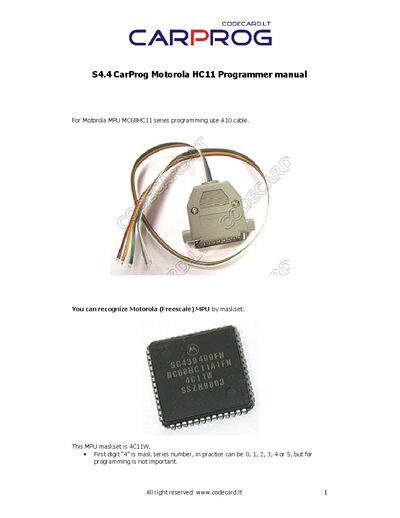
This manual explains how to connect the CarProg HC11 programmer to Motorola MC68HC11 microcontrollers. It details the required A10 7‑color cable and the function of each wire (communication, reset, MODB, power, and ground).\n\nThe guide also covers programming preparation, required pin states, mask‑set identification, and troubleshooting steps for communication errors, security bits, and voltage settings.
| Cable type | A10 7‑color cable |
|---|---|
| Yellow wire | communication signal from MPU |
| Blue wire | Reset signal to MPU |
| Programming voltage range | 3.3‑5 V |
You need the A10 7‑color cable that provides separate wires for communication, reset, MODB, power, and ground.
Both MODA and MODB pins must be at low level (or connected to GND/VSS) while programming.
Verify the selected MPU type, ensure the quartz frequency matches, and confirm MODA/MODB pins are low; also check all programming signal voltages.