
This manual introduces the use of Nokia Wireless Image Headset HS-13W, including product features, settings, use, etc.
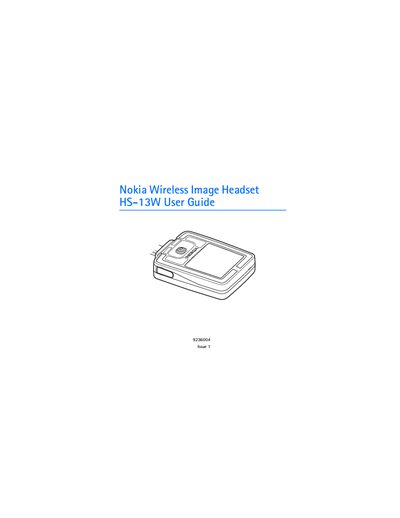
The Nokia Wireless Image Headset uses Bluetooth wireless technology to manage calls and display images. It includes an earpiece clip, strap, joystick, display, buzzer, microphone, power key and charging connector. The headset stores phone numbers and media locally and can be worn around the neck or clipped to clothing.
The guide covers Bluetooth pairing (passcode 0000), standby and image modes, menu navigation, call functions, battery charging, temperature limits, and recommended care. It also explains how to lock the keyboard, restore factory settings, and perform maintenance to keep the device reliable.
| Supported Bluetooth profiles | Generic Access Profile, Hands‑Free Profile, Generic Object Exchange Profile, Object Push Profile, File Transfer Profile |
|---|---|
| Bluetooth passcode | 0000 |
The Bluetooth passcode is 0000 and cannot be changed.
The headset activates image mode after 30 seconds in standby or when the keyguard is activated.