
This manual introduces the basic use of the phone, including battery removal and installation, network connection, standby screen and content, buttons, input information, dialing and answering calls, menu operation, call records, phone book, wireless Internet, settings, etc.
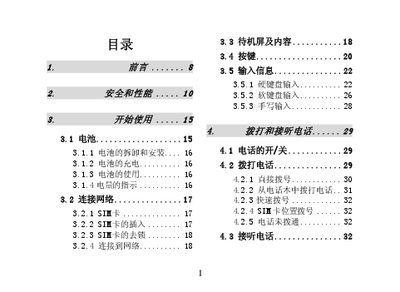
This manual covers everything you need to know to operate the T800 mobile phone, from inserting the SIM card and charging the battery to navigating menus, making calls, sending messages, and using built‑in apps such as web browsing, email, and entertainment features.
It also includes safety guidelines, network settings, accessory information, troubleshooting tips, and a detailed warranty and repair guide to help you keep the device in good condition. This manual is written in Chinese.
| Battery capacity | 800 mAh |
|---|---|
| Standby time | 144 hours |
| Talk time | 170 minutes |
| Network bands | GSM 900/1800 dual‑band |
| Charger type | Quick charger |
Use the supplied quick charger to fully charge the lithium‑ion battery.
Dial 112 (or the local emergency number) while the phone is powered on and in service area.
Enter the PUK code provided by your network operator to unlock the SIM.