
The LG GD310 phone is an advanced phone that uses the latest digital mobile communication technology to provide convenient operation for users. This manual introduces the guidelines for safe and effective use of the phone, getting to know the phone, installing SIM cards and batteries, storage cards, and more.
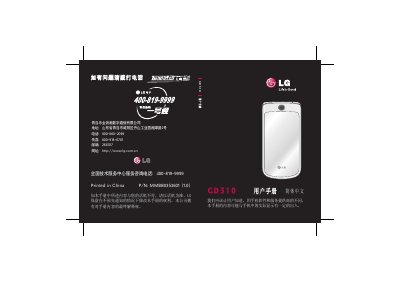
This user manual is for the LG GD310 mobile phone. It covers safety guidelines, getting to know the phone, installing the SIM card and battery, memory card use, menu map, standby screen, calls, contacts and messaging.
It also describes the camera, multimedia, documents, organizer, tools, browser, connectivity, settings, accessories and technical data sections of the phone. This manual is written in Chinese.
The included accessories are a charger, battery, headset, data cable and CD.
You need to enter the security password.
No. Do not turn it on or touch it with wet hands.
No. Do not use a damaged charger or battery.