
This document is a user manual for TELECOM equipment, which provides information on device safety, environmental requirements, installation steps, operating instructions, and software license.
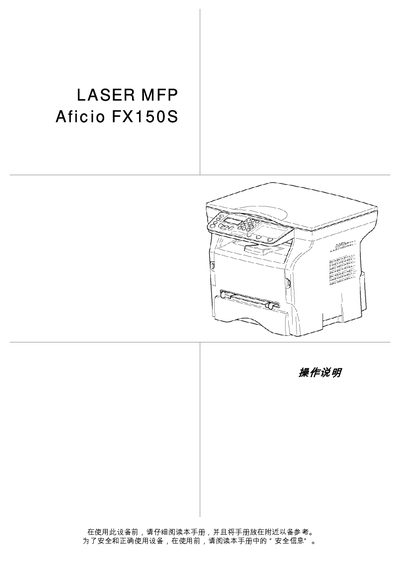
This manual covers all aspects of using the Ricoh Aficio FX150S laser MFP, from safety precautions and proper installation to daily operation and routine maintenance. It also includes detailed technical specifications and troubleshooting information.
The document is organized into sections such as Safety, Installation, Operation, Maintenance, Specifications, and Software Installation, providing clear step‑by‑step guidance for end users and service technicians. This manual is written in Chinese.
| Dimensions | 344 x 447 x 386 mm |
|---|---|
| Weight | 11.6 kg |
| Power consumption (normal mode) | 10 W |
| Print speed (black‑white) | 20 pages per minute |
| Print resolution | 600 dpi |
| Scan resolution (optical) | 600 dpi |
| Operating temperature range | 10 °C to 27 °C |
| Paper capacity (main tray) | up to 250 sheets (60 g/m²) or 200 sheets (80 g/m²) |
The manual describes three replacement procedures depending on the toner‑management setting; follow the on‑screen prompts and confirm with the smart card when required.
The device should be used in an environment where the temperature is between 10 °C and 27 °C.
Open the scanner cover, dampen a soft lint‑free cloth with mild alcohol, gently wipe the glass, then close the cover and test the scanner.