
The IBM Maximo Calibration 7.6 Quick Start Guide introduces the IBM Maximo Calibration version 7.6, provides a link to a list of prerequisite software, gets you started with a typical installation, and provides a roadmap to other important information.
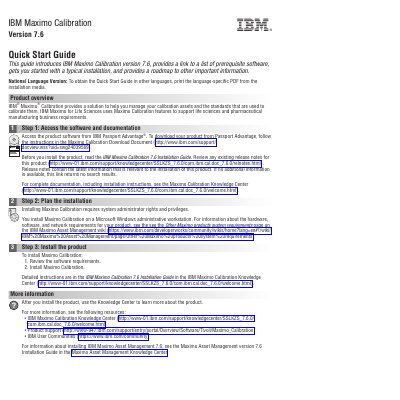
This IBM Quick Start Guide introduces IBM Maximo Calibration version 7.6. It explains that Maximo Calibration provides a solution for managing calibration assets and the standards used to calibrate them, and notes that IBM Maximo for Life Sciences uses these features for life sciences and pharmaceutical manufacturing requirements.
The guide outlines three steps: accessing the software and documentation, planning the installation, and installing the product. It directs readers to IBM Passport Advantage, the Maximo Calibration Download Document, the Installation Guide, release notes, the Maximo Calibration Knowledge Center, product support, and IBM User Communities.
| Product version | 7.6 |
|---|---|
| Required privileges | System administrator rights and privileges |
| Installation platform | Microsoft Windows administrative workstation |
It provides a solution to help manage calibration assets and the standards used to calibrate them. IBM Maximo for Life Sciences uses Maximo Calibration features for life sciences and pharmaceutical manufacturing requirements.
Installing it requires system administrator rights and privileges, and it is installed on a Microsoft Windows administrative workstation.
Detailed instructions are in the IBM Maximo Calibration 7.6 Installation Guide in the IBM Maximo Calibration Knowledge Center.
The product software is accessed from IBM Passport Advantage, following the instructions in the Maximo Calibration Download Document.