
IBM zAware 3.1 Upgrade Guide

IBM zAware 3.1 Upgrade Guide
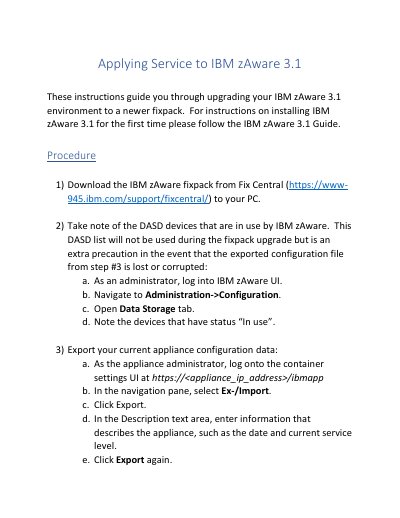

IBM zAware 3.1 Upgrade Guide - cover page
Brand
IBM
Category
Servers Computer
Document type
Installation Guide
Language
English
Pages
3
File format
PDF
File size
484 KB
Published
02 December, 2023
Updated
02 December, 2023
MD5 checksum
7C8E42B899A863DB0349C163D39B7C7B

About this manual

This guide provides step-by-step instructions for upgrading an IBM zAware 3.1 environment to a newer fixpack. It covers downloading the fixpack from Fix Central, exporting the current appliance configuration to prevent data loss, and preparing the system for the upgrade.

What's inside

  • Applying Service
  • Download the IBM zAware fixpack
  • Export your current appliance configuration data
  • Install the new image
  • Restore the configuration settings

Frequently asked questions

What should you export before installing the new IBM zAware image?

You should export your current appliance configuration data.

What is the name of the configuration file created when you export the appliance configuration?

The configuration file is named export.data.

What boot selection should the SSC tab be changed to when configuring IBM zAware to use the SSC installer?

Change the boot selection to Secure Service Container installer.

Download PDF (484 KB)

More IBM Manuals


View all IBM manuals →