
IBM Maximo for Aviation MRO 7.6.1 Quick Start Guide

The IBM Maximo for Aviation MRO 7.6.1 Quick Start Guide introduces the product's features and capabilities and provides a link to software prerequisites.
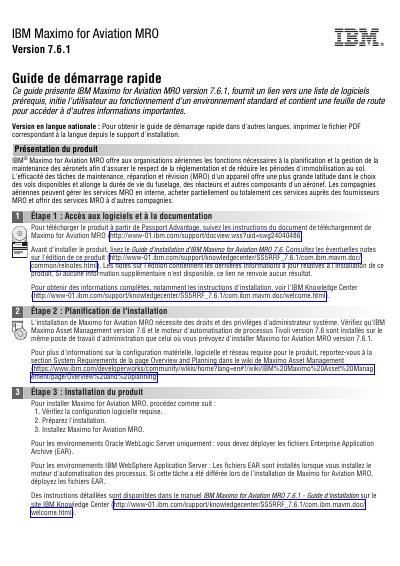

IBM Maximo for Aviation MRO 7.6.1 Quick Start Guide - cover page
Brand
IBM
Category
Other software
Document type
Quick Start Guide
Language
French
Pages
2
File format
PDF
File size
212 KB
Published
02 December, 2023
Updated
02 December, 2023
MD5 checksum
9D1016A70B69049221556CA176BCE36D

About this manual

This document serves as a quick start guide for IBM Maximo for Aviation MRO version 7.6.1. It provides a link to a list of prerequisite software, introduces the user to a standard operating environment, and includes a roadmap to access other important information. A version in the national language is available for download from the installation support. This manual is written in French.

What's inside

  • Présentation du produit
  • Accès aux logiciels et à la documentation
  • Planification de l'installation
  • Installation du produit
  • Informations complémentaires

Frequently asked questions

What is IBM Maximo for Aviation MRO used for?

It provides functions for planning and managing aircraft maintenance so aviation organizations can meet regulatory compliance and reduce ground downtime.

What rights and privileges are required to install Maximo for Aviation MRO?

System administrator rights and privileges are required.

Where must IBM Maximo Asset Management version 7.6 and the Tivoli process automation engine version 7.6 be installed?

They must be installed on the same administration workstation where you plan to install Maximo for Aviation MRO version 7.6.1.

What must be done for Oracle WebLogic Server environments only?

You must deploy the Enterprise Application Archive (EAR) files.

Download PDF (212 KB)

More IBM Manuals


View all IBM manuals →