
IBM Maximo Calibration 7.6 Quick Start Guide

IBM Maximo Calibration provides a solution to help you manage your calibration assets and the standards used to calibrate them.
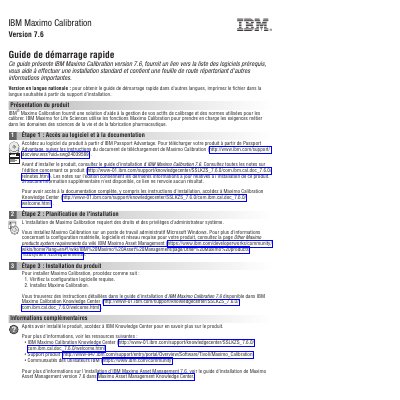

IBM Maximo Calibration 7.6 Quick Start Guide - cover page
Brand
IBM
Category
Other software
Document type
Quick Start Guide
Language
French
Pages
2
File format
PDF
File size
79 KB
Published
02 December, 2023
Updated
02 December, 2023
MD5 checksum
8417464A22D2D443567DC628ABCE3C5C

About this manual

This document serves as a quick start guide for IBM Maximo Calibration version 7.6. It introduces the product as a solution for managing calibration assets and standards, specifically supporting business requirements in life sciences and pharmaceutical manufacturing. The guide directs users to the IBM Passport Advantage site for software access and download instructions. This manual is written in French.

What's inside

  • Présentation du produit
  • Accès au logiciel et à la documentation
  • Planification de l'installation
  • Installation du produit
  • Informations complémentaires

Frequently asked questions

What does IBM Maximo Calibration help manage?

It provides a solution to help manage your calibration assets and the standards used to calibrate them.

What permissions are required to install Maximo Calibration?

Installation requires system administrator rights and privileges.

On what kind of workstation is Maximo Calibration installed?

It is installed on a Microsoft Windows administrative workstation.

Where do you get the product software?

The product software is accessed from IBM Passport Advantage.

Download PDF (79 KB)

More IBM Manuals


View all IBM manuals →