
The IBM® Tivoli® Storage Productivity Center for Data enhances storage return on investment by improving storage utilization, enabling intelligent capacity planning, helping you manage more storage with the same personnel, supporting high application availability, detecting failed backup and archive by file, providing enterprise-wide reports on capacity through role-based management, and assisting in support of data classification, information lifecycle management (ILM) assessments, and Information Technology Infrastructure Library (ITIL®) storage practices.
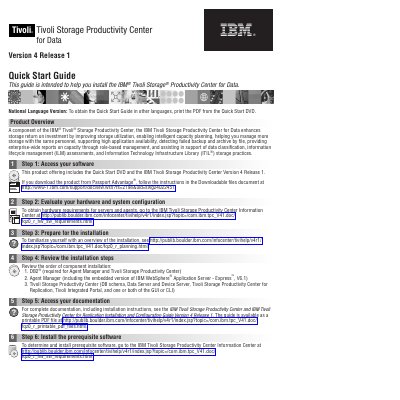
This Quick Start Guide is intended to help you install IBM Tivoli Storage Productivity Center for Data, a component of IBM Tivoli Storage Productivity Center Version 4 Release 1. It walks through accessing the software, evaluating hardware and system configuration, preparing for the installation, reviewing the order of component installation, and installing prerequisite software and the product itself.
The guide also points to the Information Center and to the IBM Tivoli Storage Productivity Center and IBM Tivoli Storage Productivity Center for Replication Installation and Configuration Guide Version 4 Release 1 for complete documentation. The product overview describes the component as improving storage utilization, enabling intelligent capacity planning, detecting failed backup and archive by file, and providing enterprise-wide capacity reports through role-based management.
| Product version | Version 4 Release 1 |
|---|---|
| Component installation order | DB2; Agent Manager (with IBM WebSphere Application Server - Express V6.1); Tivoli Storage Productivity Center |
| Part number | CF208ML |
| Copyright year | 2009 |
DB2 must be installed first, since it is required for Agent Manager and Tivoli Storage Productivity Center. Agent Manager comes next, followed by Tivoli Storage Productivity Center.
The offering includes the Quick Start DVD and the IBM Tivoli Storage Productivity Center Version 4 Release 1.
The IBM Tivoli Storage Productivity Center and IBM Tivoli Storage Productivity Center for Replication Installation and Configuration Guide Version 4 Release 1 is available as a printable PDF file.
Yes, when you purchase the component package, the license key is automatically enabled during installation.