
IBM® z/VM Centralized Service Management SERVMGR COMMAND SYNTAX
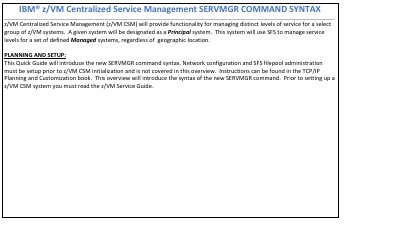
This quick guide introduces the SERVMGR command syntax for IBM z/VM Centralized Service Management (z/VM CSM). CSM provides functionality for managing distinct levels of service for a select group of z/VM systems, with one system designated as a Principal system that uses SFS to manage service levels for defined Managed systems, regardless of geographic location. Network configuration and SFS filepool administration must be set up prior to CSM initialization, and the z/VM Service Guide must be read before setting up a CSM system.
The document describes the SYSTEM sub-function (ADD, DELETE, MODIFY, PUT2PROD, QUERY, SERVCHECK) and the SRVLVL sub-function (ADD, DELETE, LOCALMOD, SERVICE, PACKAGE, SEND, SETLOCK, QUERY, VMFSEUP), together with the operands and FTP options these commands accept. The FTP options include a default listen port of 4535 and are valid only with the SYSTEM ADD and SYSTEM MODIFY commands.
| Initial release vrm | 720 |
|---|---|
| Service level BIN identifier length | 1-16 characters |
| Default FTP listen port | 4535 |
| FTP options applicability | Only with SYSTEM ADD and SYSTEM MODIFY |
| HOSTNAME operand | Optional with SYSTEM MODIFY |
It manages distinct levels of service for a select group of z/VM systems, with a Principal system managing a set of defined Managed systems.
The default listen port is 4535.
FTP options are valid only with the SYSTEM ADD and SYSTEM MODIFY commands.
The initial release vrm is 720.